


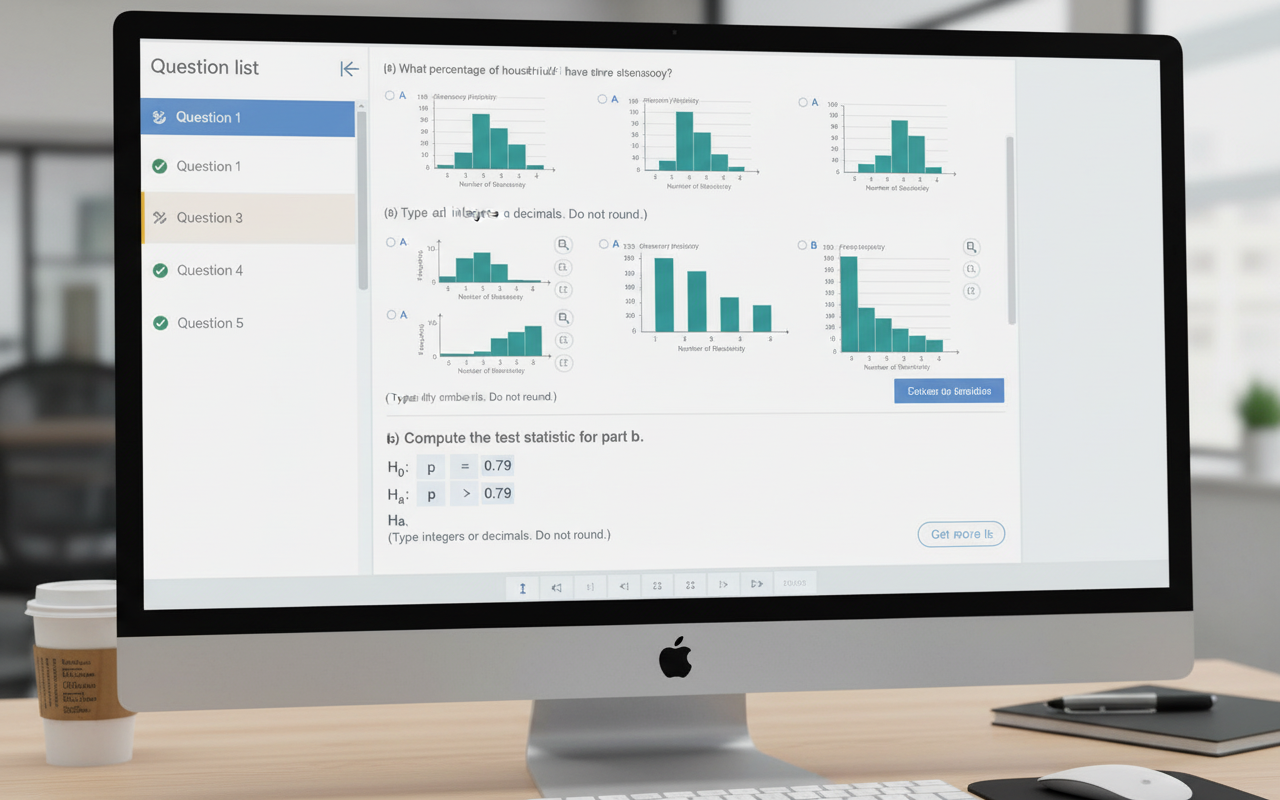
My friend texted me at 11pm last Tuesday absolutely losing it. She’d spent 40 minutes on a stats problem, got the right answer, typed it in — and MyMathLab marked it wrong. She sent me a screenshot. The math was perfect. The answer was 3.67. And sitting right there at the bottom of the question, in small grey text she’d scrolled past a dozen times, were the words: “Type an integer or a decimal. Do not round.”
That’s it. That was the whole problem. She rounded. The system wanted 3.6666… and she gave it 3.67. Two marks gone over a six-character instruction. If this has happened to you — or is happening to you right now at whatever time you’re reading this — this article is going to fix it. For good.
Exact Answer
Need Full Form
Accepted Here
What Does “Type an Integer or a Decimal” Actually Mean?
Let’s break this instruction into its two parts — because they’re both important.
An Integer
An integer is any whole number — positive, negative, or zero. No decimal point, no fraction. Things like 5, -3, 0, 42, -100 are all integers. If your answer works out to a clean whole number, just type that number. Simple.
A Decimal
A decimal is a number that includes digits after the decimal point — like 3.5, 0.25, -1.75, or 4.666… When the instruction says “type a decimal,” it means write the number with all its decimal digits. Don’t chop them off. Don’t round to two places because it looks neater.
The instruction “type an integer or a decimal” is essentially telling you: do not type a fraction. Platforms like MyMathLab and WebAssign have specific answer fields that accept numbers only — not expressions like 2/3 or 5/8. So if your answer is 2 thirds, you need to convert it: 0.6666… or just leave it as 0.667 only if the system says you can round.
What “Do Not Round” Really Means
This is where most students go wrong — and it’s completely understandable. We’re trained from early on to round answers to two decimal places. It looks neater. It feels more “finished.” But when a math platform says “do not round,” it’s being very literal.
Your answer should be as exact as the calculation produces. Here’s what that looks like in practice:
| Your Calculation Result | Rounded (Wrong ✗) | Exact (Correct ✓) |
|---|---|---|
| 4 ÷ 3 = 1.333333… | 1.33 | 1.333333… or 1.3̄ |
| 7 ÷ 2 = 3.5 | 3.5 ✓ Already exact | 3.5 |
| √2 = 1.41421356… | 1.41 | 1.41421356… |
| Mean of 5, 7, 9 = 7 | 7 ✓ Already exact | 7 |
| 22 ÷ 6 = 3.6666… | 3.67 | 3.6666… or 3.6̄ |
Where You’ll See This Instruction Most Often
If you’ve been hitting this instruction repeatedly, you’re probably using one of these platforms — and each one has its own quirks worth knowing about.
MyMathLab / MyStatLab (Pearson)
This is the most common place students see this exact wording. MyMathLab’s answer checker is strict — it compares your input against an exact value. If the correct answer is 3.666… and you type 3.67, it will mark it wrong even though you’re basically right. The system has no “close enough” setting.
✗ Wrong answer: 4.5 rounded to 5
✓ Correct answer: 4.5 (this one IS exact — no rounding needed)
Mean = (2 + 4 + 5 + 7) ÷ 4 = 18 ÷ 4 = 4.5 — happens to be a clean decimal, so just type 4.5 exactly.
WebAssign
WebAssign shows this instruction in statistics, algebra, and calculus courses. Unlike some platforms that allow small rounding tolerance, WebAssign frequently accepts only exact values. Pay attention to whether the question says “do not round” vs. “round to four decimal places” — they’re completely different instructions.
Canvas / Blackboard Quiz Tools
Some instructors set up their quiz fields on Canvas or Blackboard to only accept exact numeric answers. In these cases, the “do not round” instruction comes from the professor directly — and whether 3.67 vs 3.6667 is accepted depends entirely on how the professor set their tolerance.
If the platform accepts your rounded answer, great. If it marks it wrong, go back and type more decimal places. Most systems have an input field wide enough for 8–10 digits. Use them when your answer isn’t a clean whole number or simple decimal like 0.5 or 2.25.
Common Mistakes Students Make
- Rounding too early — The biggest one. If you round 6.6666… to 6.67 before entering it, you lose the mark. Type the full repeating decimal.
- Typing a fraction instead of a decimal — The instruction says “integer or decimal” — not fraction. Writing 2/3 in a numeric field won’t work. Convert it first: 2 ÷ 3 = 0.6666…
- Using π or √ symbols — Typing “π” or “√2” in a plain number field won’t be accepted. Calculate the actual decimal value and enter that instead.
- Stopping at 2 decimal places out of habit — 3.14 is not the same as 3.14159265… When the platform wants the exact value, two decimal places isn’t enough for most irrational numbers.
- Adding a % sign — If the answer is a proportion or probability, it might be 0.35 not 35%. Read the question carefully to check which format it’s asking for.
How to Handle Repeating Decimals
This is where students get genuinely confused — and it’s fair, because repeating decimals are a bit awkward to type.
If your answer is something like 0.333333…, here’s what you do:
- Type as many digits as the answer box allows — usually 6 to 10 decimal places is enough for the system to recognize it as exact
- Some platforms accept the repeating decimal notation with a bar, but most plain text fields don’t — just use the long form
- If the system still marks it wrong after 8+ decimal places, the answer might not actually be repeating — double-check your calculation
- For common fractions: 1/3 = 0.333333, 2/3 = 0.666666, 1/6 = 0.166666, 5/6 = 0.833333 — memorize these and you’ll save time
✗ Wrong: 0.33
✗ Also wrong: 1/3
✓ Correct: 0.333333 (or as many 3s as the field allows)
6 ÷ 18 = 0.333333… — it repeats forever, so type the extended decimal form. The fraction 1/3 is mathematically equal, but the field expects a numeric decimal, not a fraction.
What About “Do Not Round Until the Final Answer”?
Sometimes you’ll see a slightly different version of this instruction: “Do not round until the final answer. Then round to four decimal places.” This is a different situation — and actually easier.
It means: do all your working with full precision, but you’re allowed to round the very last number you write. The warning is there because rounding intermediate steps — rounding numbers in the middle of your calculation before you’ve finished — introduces errors that snowball. Rounding an intermediate value can introduce small errors that magnify through subsequent operations like addition, multiplication, and exponentiation.
Quick Cheat Sheet — What to Type
- Answer is a whole number (e.g. 8)? Just type 8. That’s your integer. Done.
- Answer is a clean decimal (e.g. 3.5)? Type 3.5. Already exact — no issue.
- Answer is a repeating decimal (e.g. 0.666…)? Type 0.666666 — use 6 or more digits.
- Answer is a fraction (e.g. 3/8)? Divide it out first: 3 ÷ 8 = 0.375. Type 0.375.
- Answer involves π (e.g. 2π)? Calculate it: 2 × 3.14159265… = 6.28318530… Type those digits.
- Answer is a square root (e.g. √5)? Use your calculator: √5 = 2.2360679… Type those digits.
- Answer is negative (e.g. -2.5)? Type the negative sign too: -2.5. Don’t drop it.
Final Thoughts
My friend figured this out at about 11:45pm that Tuesday. She went back, retyped 3.6666, hit submit — and got the mark. Forty-five seconds of work after forty minutes of frustration. All because of five words she’d been skimming past every single question.
Don’t be that person. Next time you see “type an integer or a decimal, do not round” — stop, take two extra seconds, and ask yourself: is my answer trimmed? Is it a fraction instead of a decimal? Did I stop at two decimal places out of habit? If yes to any of those, fix it before you hit submit.
You already know the math. You’ve been doing the hard part correctly this whole time. This is just about reading the room — or in this case, the instruction box. Once it clicks, it clicks forever. You won’t lose marks on this again.
Type an Integer or a DecimalDo Not RoundMyMathLabWebAssignMath HelpRepeating DecimalsStatisticsAlgebra


